
Professional Resume Templates and Examples for 2025




Use our robust app to create a customized template specific to your needs and goals.
Use our robust app to create a customized template specific to your needs and goals.

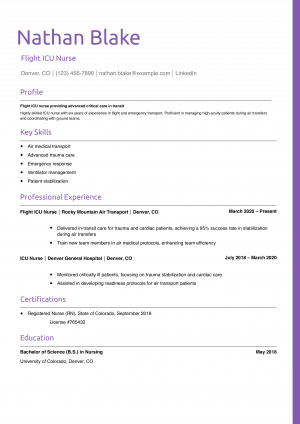
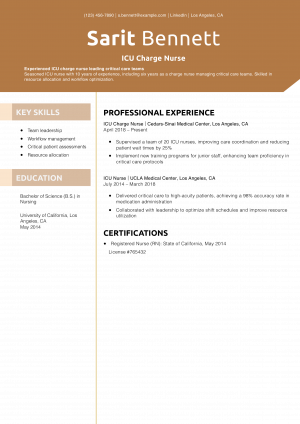

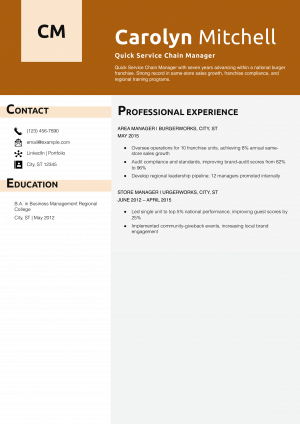
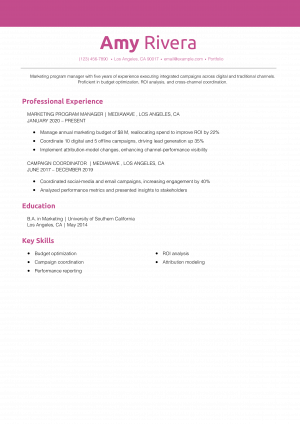
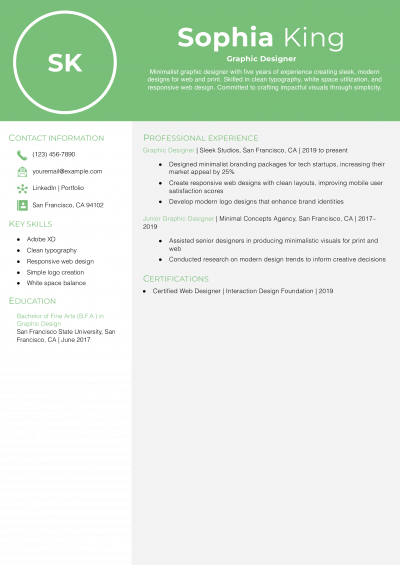
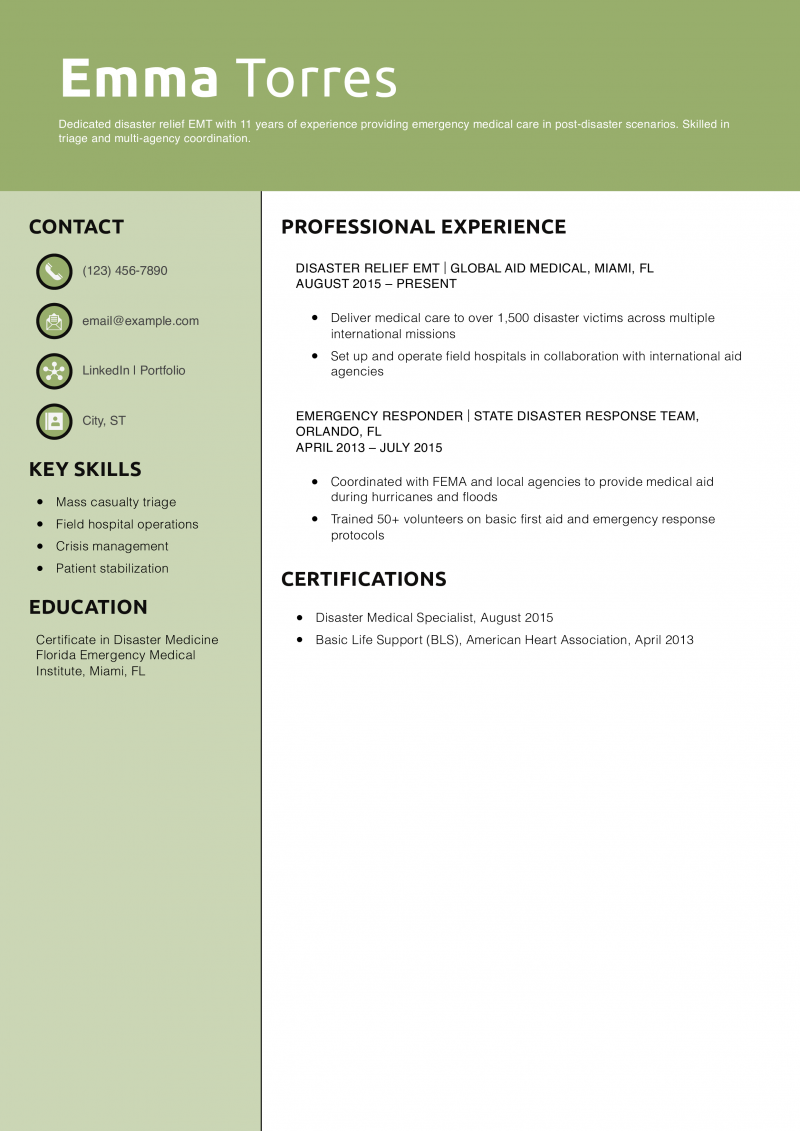
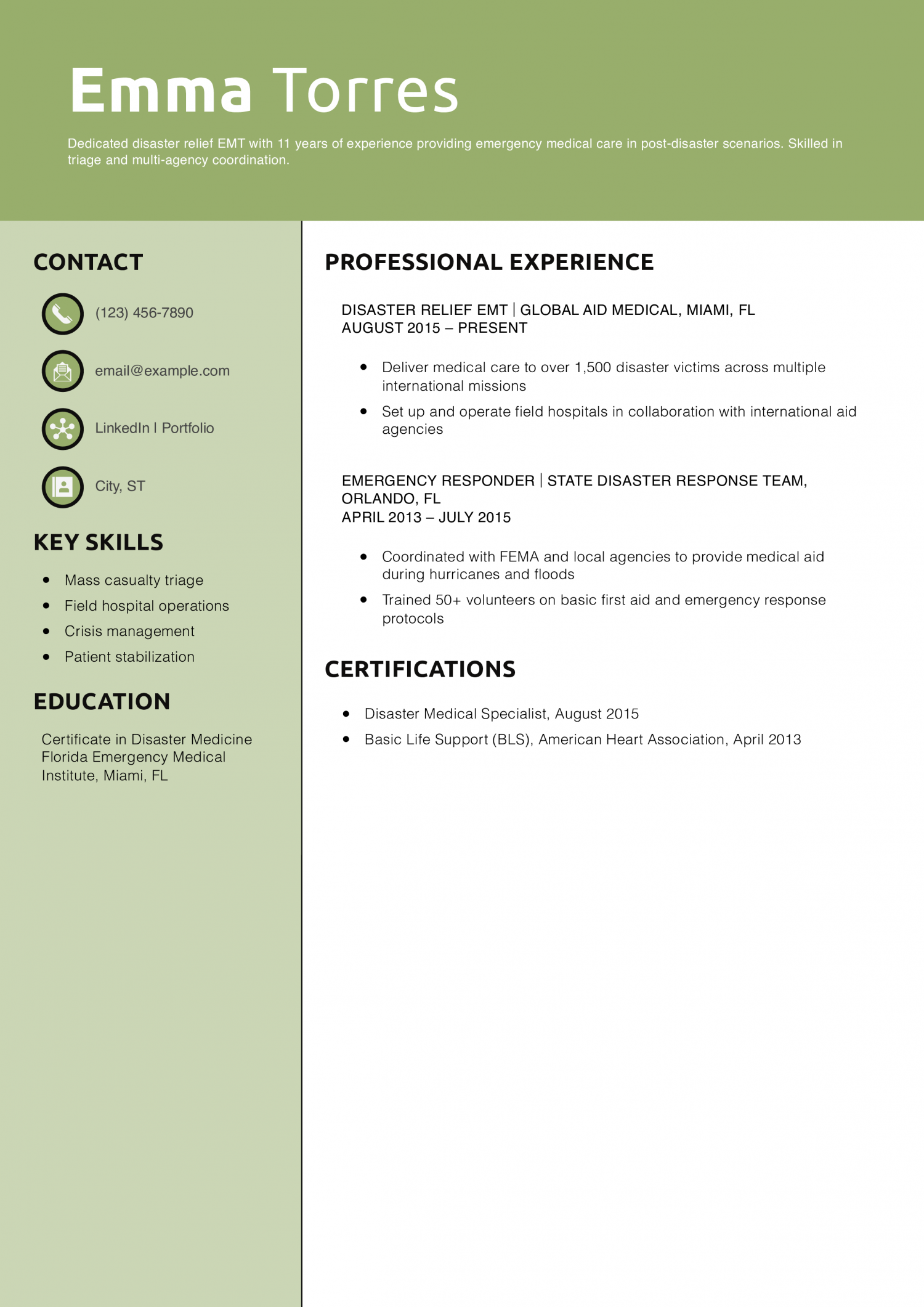
This resume template uses a bold two-panel design with a soft green theme to create clear visual separation between personal info and experience. With icons and a vertical sidebar, it offers a modern, organized structure that’s perfect for emergency services, health care, and mission-driven roles.
Resume Templates offers free, HR approved resume templates to help you create a professional resume in minutes. Choose from several template options and even pre-populate a resume from your profile.
This clean, professional template features a bold name header and crisp layout, using a navy-blue triangle for modern flair. Its streamlined structure keeps the focus on experience and results, making it ideal for roles in marketing, analytics, and business strategy. The single-column design supports clear storytelling with room for data-driven accomplishments.
Resume Templates offers free, HR approved resume templates to help you create a professional resume in minutes. Choose from several template options and even pre-populate a resume from your profile.

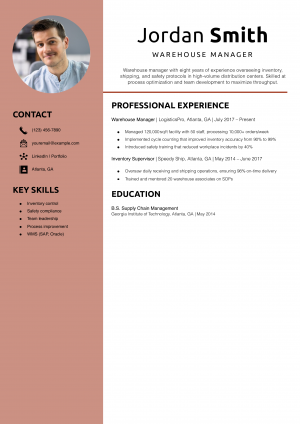
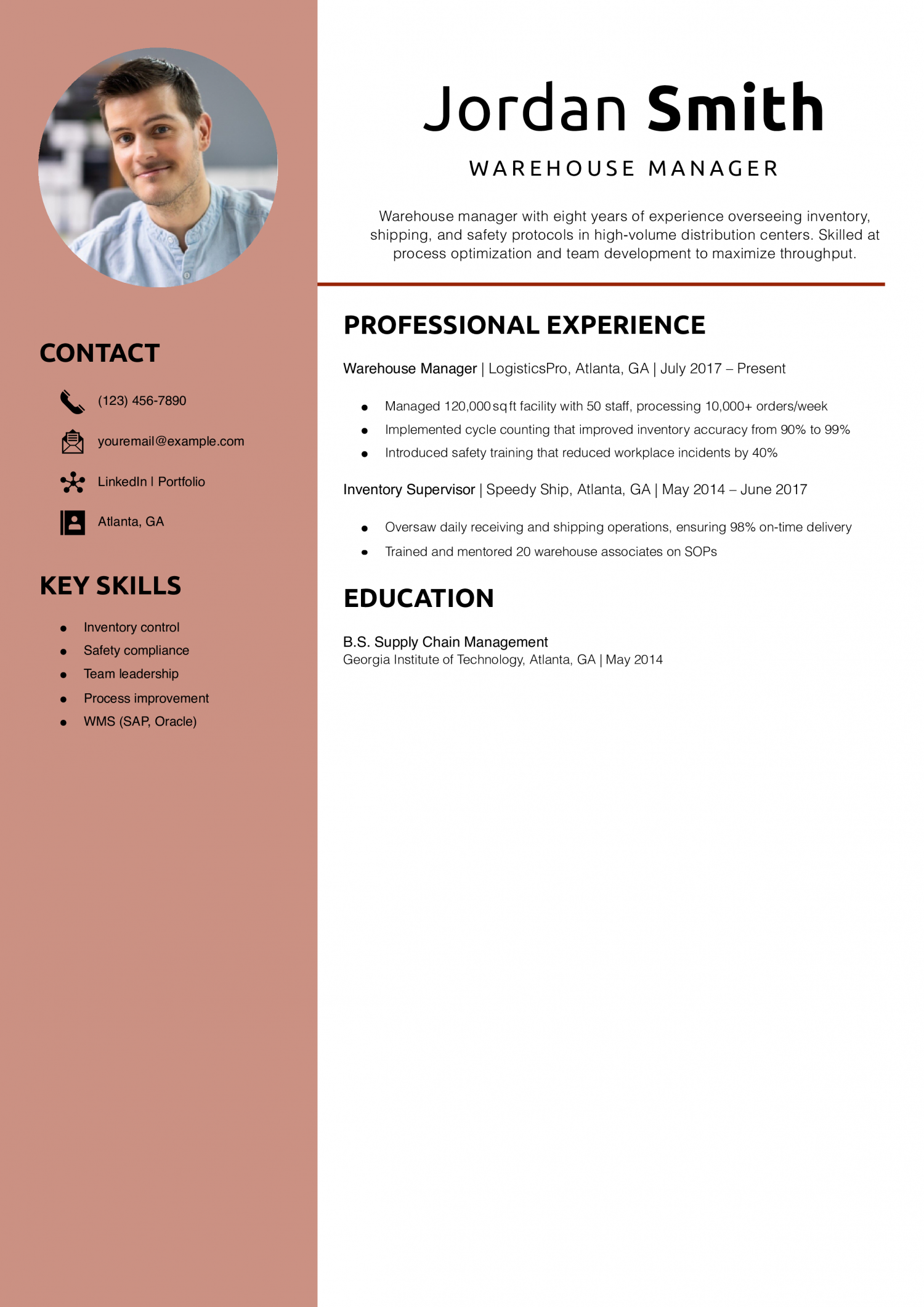
This resume template pairs a warm rose-toned sidebar with a modern, minimalist layout for a refined yet professional look. The addition of a profile photo and icon-based contact section makes it both visually engaging and highly readable—ideal for leadership roles.
Resume Templates offers free, HR approved resume templates to help you create a professional resume in minutes. Choose from several template options and even pre-populate a resume from your profile.
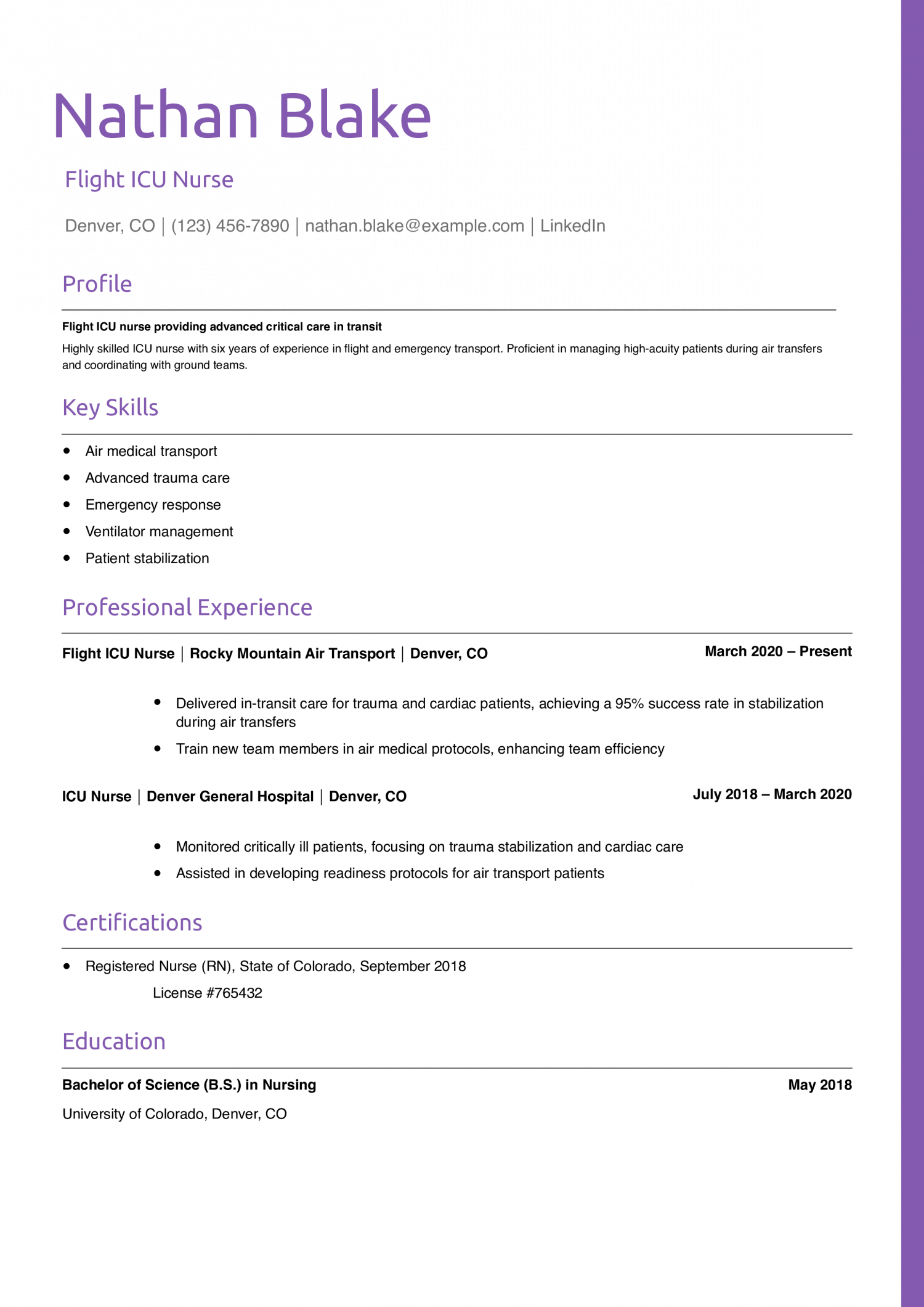
This resume template brings personality and polish together with its violet header text and slim vertical border. The clean layout and subtle color accents help guide the reader’s attention while keeping a professional tone. It’s perfect for medical, technical, and customer-focused roles where trust and expertise are key.
Resume Templates offers free, HR approved resume templates to help you create a professional resume in minutes. Choose from several template options and even pre-populate a resume from your profile.
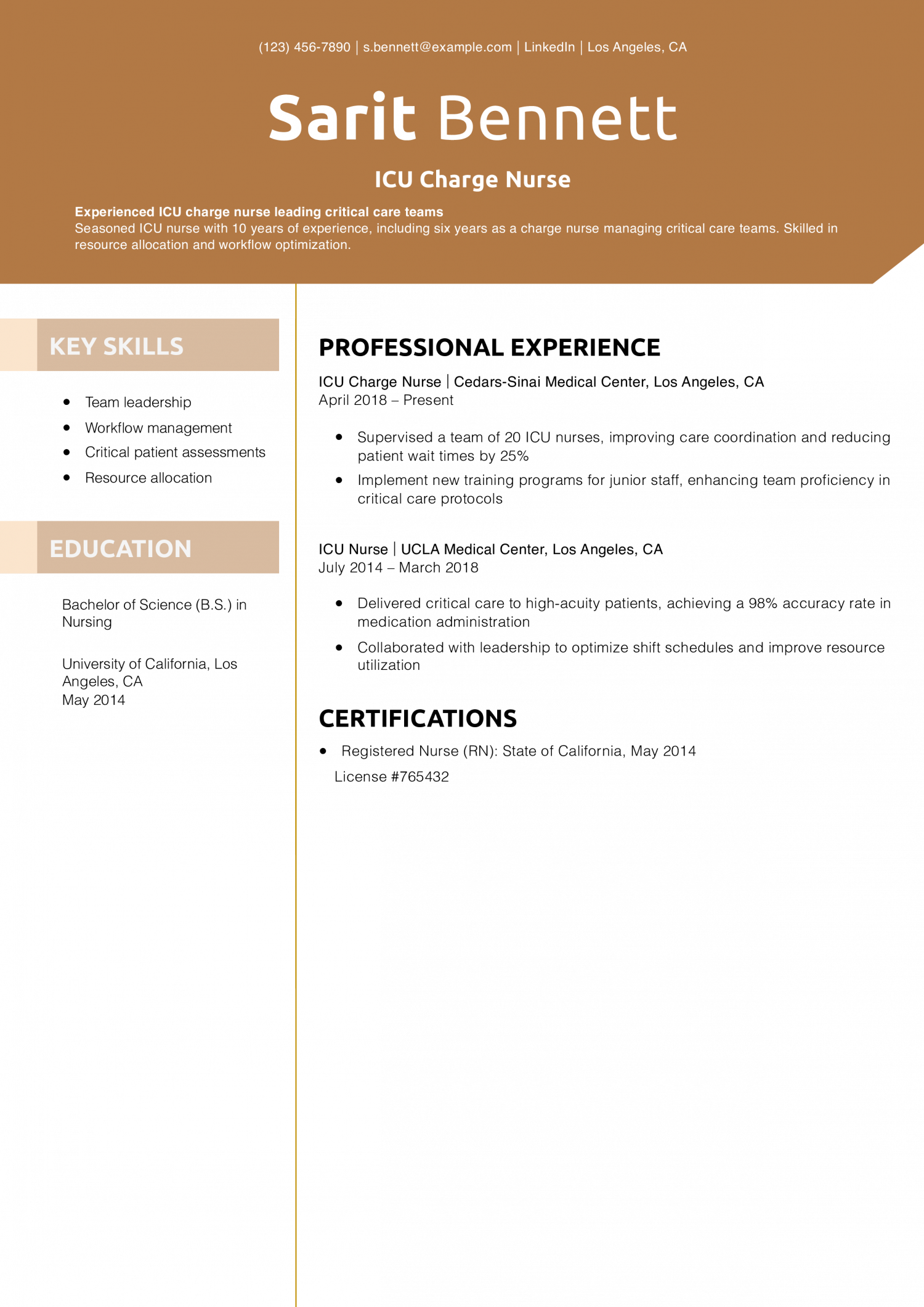
This resume template uses bold geometric styling and warm neutral colors to frame content in a visually compelling way. The soft taupe sidebar balances the strong brown name banner, creating a layout that’s both structured and approachable. It’s a smart choice for experienced professionals in health care or leadership roles.
Resume Templates offers free, HR approved resume templates to help you create a professional resume in minutes. Choose from several template options and even pre-populate a resume from your profile.
This resume template uses a clean, monochrome layout topped with a muted gray banner for a straightforward, professional impression. The structure is highly readable and content-driven—ideal for finance, law, or technical fields where clarity and authority are essential.
Resume Templates offers free, HR approved resume templates to help you create a professional resume in minutes. Choose from several template options and even pre-populate a resume from your profile.

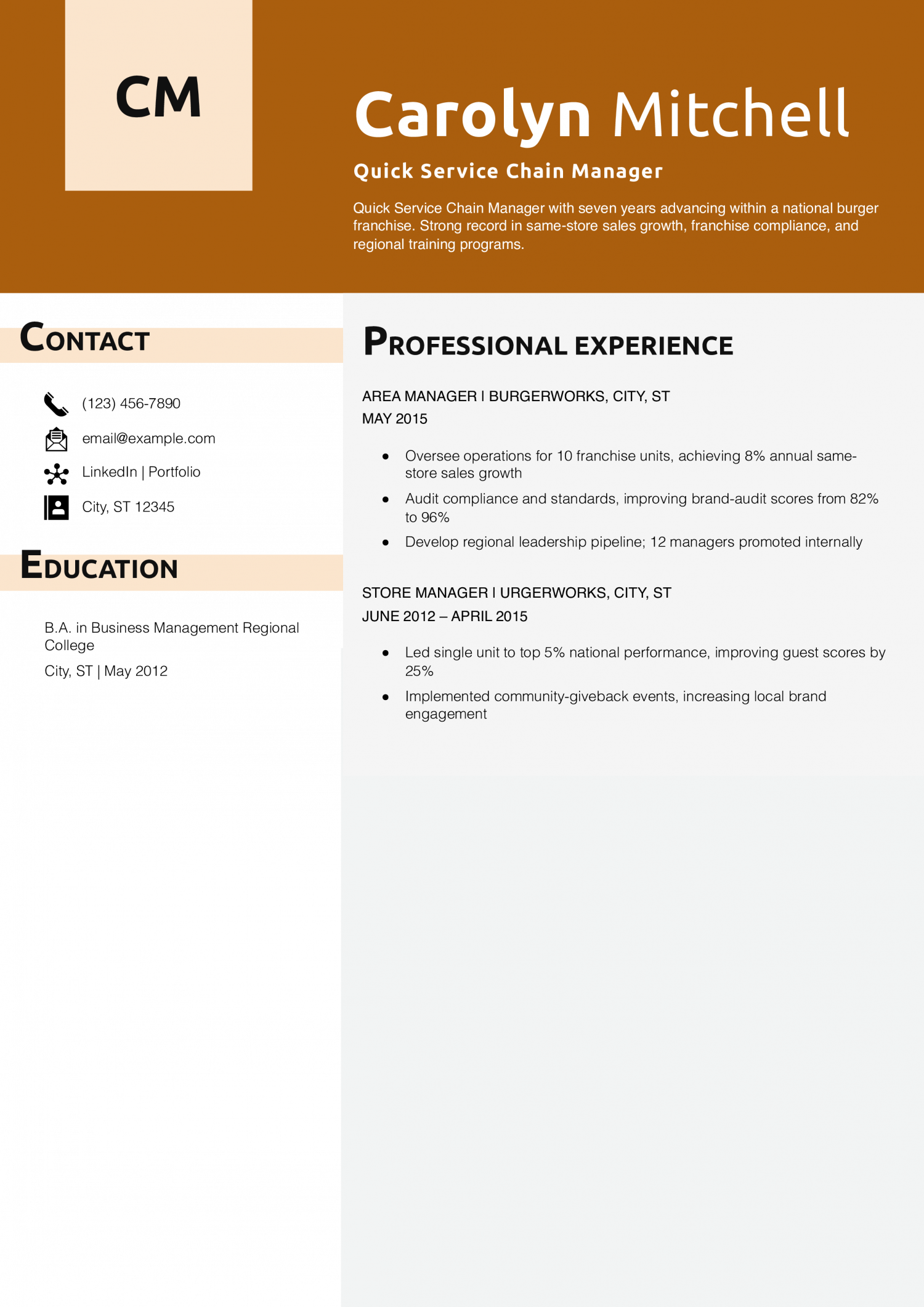
This resume template makes an immediate impression with its rich orange header, left-hand sidebar, and initial-based monogram block. Designed for professionals in hospitality, retail, or franchise leadership, it balances high energy with structured presentation to help candidates stand out confidently.
Resume Templates offers free, HR approved resume templates to help you create a professional resume in minutes. Choose from several template options and even pre-populate a resume from your profile.
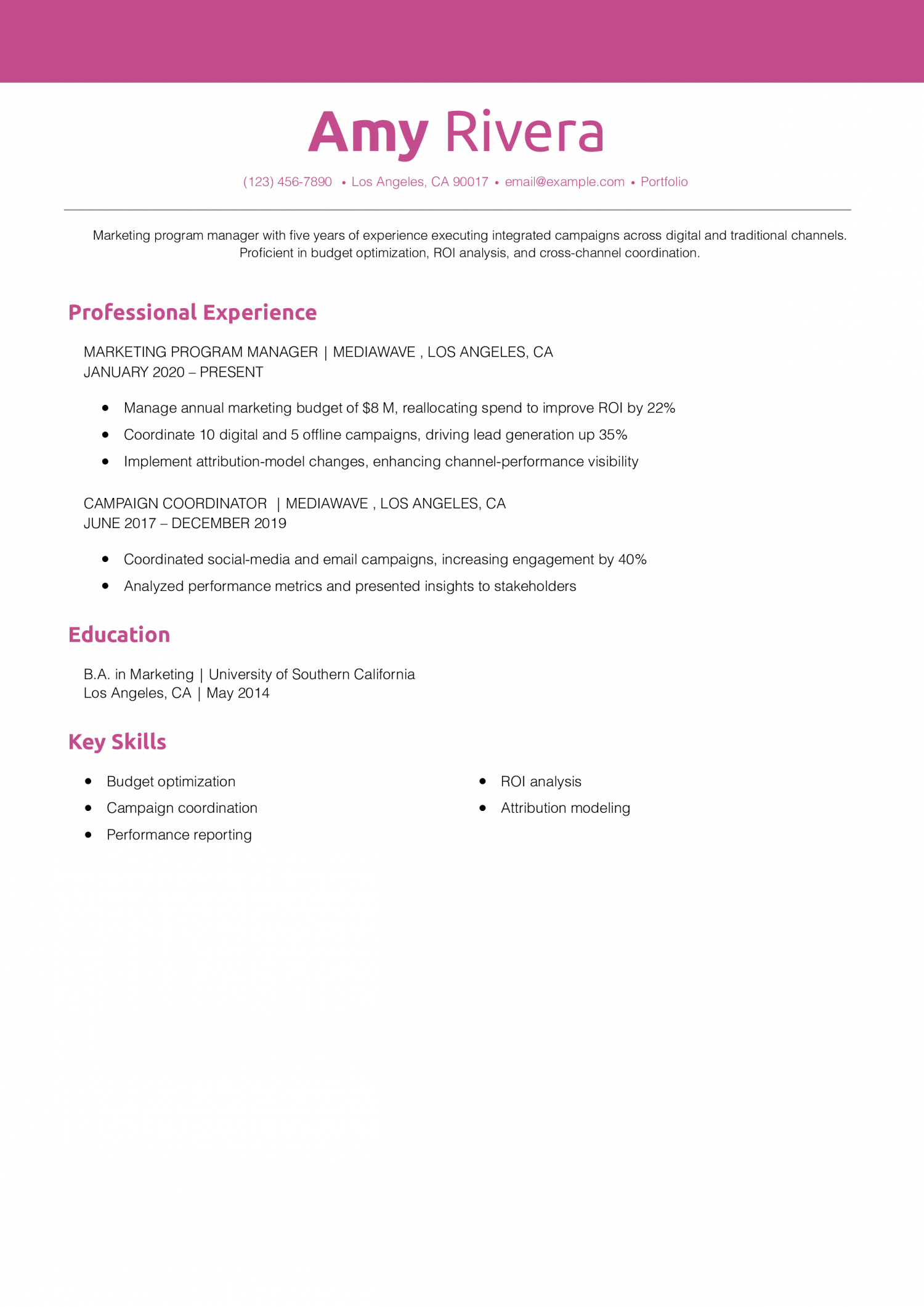
This resume template blends personality and polish with its vibrant pink header, matching section titles, and clean, centered contact information. With its modern layout and confident color palette, it’s perfect for professionals in marketing, communications, or other creative, strategy-driven fields.
Resume Templates offers free, HR approved resume templates to help you create a professional resume in minutes. Choose from several template options and even pre-populate a resume from your profile.
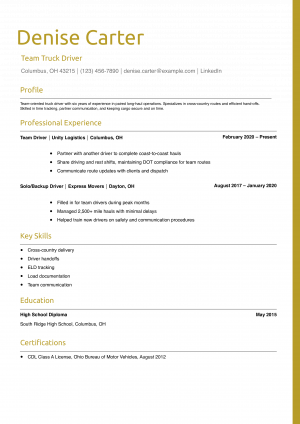
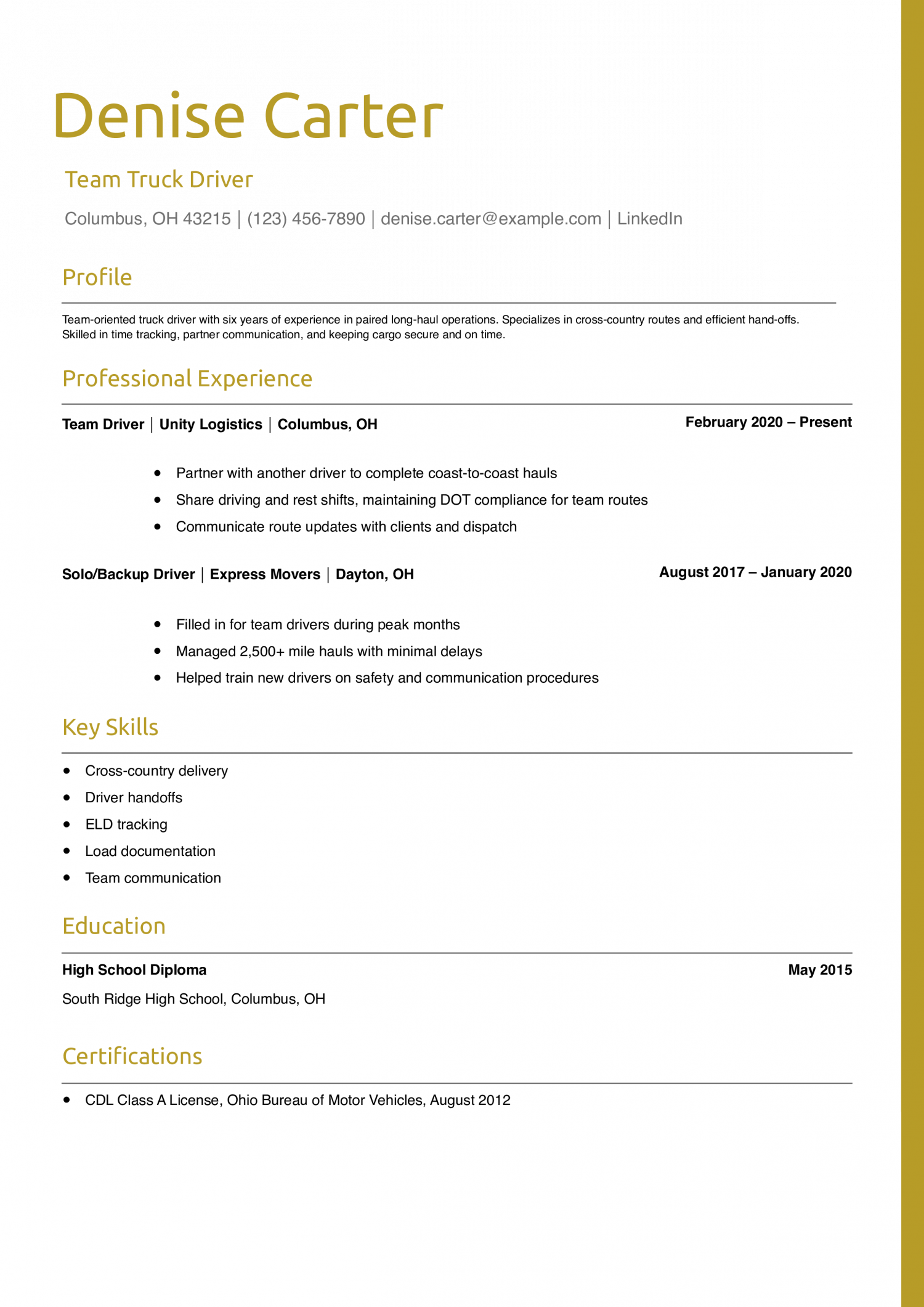
This resume template uses warm golden tones and a crisp layout to highlight experience and key skills with confidence. The structured format and color-coordinated section headers make it perfect for logistics, operations, or any role where timing, coordination, and communication are essential.
Resume Templates offers free, HR approved resume templates to help you create a professional resume in minutes. Choose from several template options and even pre-populate a resume from your profile.
There is an art and science to creating an impactful resume. It should include all the information potential employers need to determine whether you are qualified for the job. Your resume should also illustrate the hard and soft skills most employers look for in candidates while communicating your capabilities in a concise, clean structure so it moves past resume-filtering Applicant Tracking System (ATS) software.
One way to ensure your resume is professional and easy to digest is to use a basic resume template. Using an effective but basic resume template will help you stand out from other candidates with a fresh, focused account of your professional contributions while expediting the job application process.
To help you streamline your job search and win the position you want, here are a few highly effective basic resume templates and examples, as well as some tips for personalizing a basic resume so it stands out from the rest.
A basic resume template is straightforward, simple to customize with your information, and accessible so potential employers can scan and find the information they need. After all, hiring managers spend an average of 7.4 seconds reviewing each resume during the initial screening process, according to a study by Ladders. What makes a basic resume stand out is its clean layout and concise format.
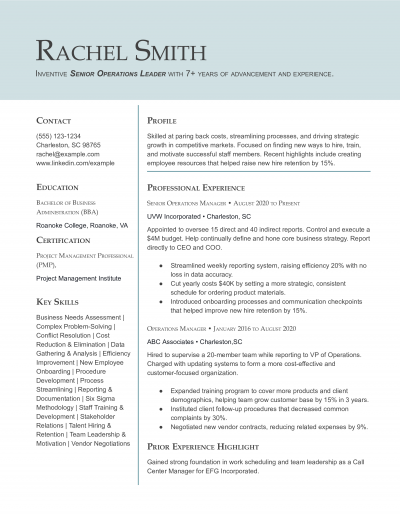
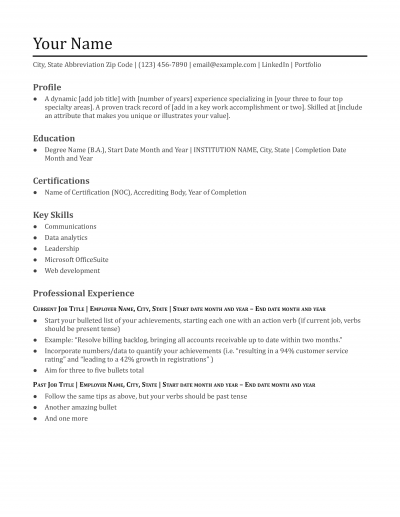
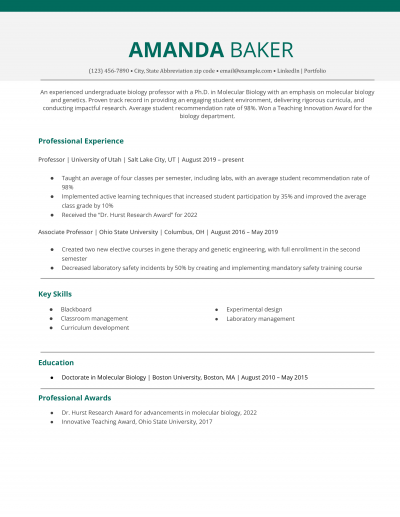
A basic resume template includes clearly marked sections, such as Professional Experience and Key Skills. It incorporates bullet points to call out job duties and measurable accomplishments. The basic resume opens with a Profile summarizing the value you can bring to an organization, and provides essential contact information and online portfolio links so recruiters can get in touch with you or perform a deeper dive.
While you might be tempted to step out of the box with the design and layout of your resume, doing so could result in your application being tossed to the side if recruiters cannot quickly learn about your qualifications.
Major elements that are unique to the basic resume template include a strong emphasis on name and job title, and room for a photo or logo. Defined section headings make the basic resume highly scannable, and a designated key skills section allows you to easily customize hard and soft skills for each job application.
Basic resume templates are timeless — fresh but not too flashy. They can save you a lot of time and effort, and they are especially useful if you’re applying for multiple jobs and need to create many resumes efficiently.
For further inspiration, our article on Best Resume Formats offers ideas to transform your layout into a customizable resume template that suits your unique career path.
There are at least five reasons why you might choose to customize a basic resume template.
If cost is a concern, consider exploring our guide on How to Build a Resume for Free. This resource features free resume templates, including some Google Docs templates, enabling easy editing and sharing.
After choosing a basic resume layout, make the most out of this template by gathering information, including your contact information, profile statement, educational background, relevant certifications, employment history, and key skills.
While this may seem pretty straightforward, think carefully about what to include and what to leave out. Too much unnecessary information can make it difficult for employers to identify your stand-out skills that align with the job description.
You also need to try to include the right keywords for each job application to ensure your resume makes it through ATS software. Employers use ATS software to scan resumes for keywords and skills as a way to filter out applicants who don’t have the necessary qualifications.
With that in mind, here are a few key tips for filling out your resume template.
Your contact information, including your name, address, phone number, and email address, should be prominently displayed at the top of your resume template. Make sure your email address is professional (e.g., [email protected]) and that you check it regularly to ensure you can reply promptly to emails from potential employers.
Depending on your profession, you may also include a link to a portfolio website alongside your contact information. This may be necessary for positions in graphic design, copywriting, web development, and other professions that typically require candidates to show proof of their skills and experience.
Your professional profile is a brief statement that summarizes your experience, skills, and career goals. This should be tailored to the specific job you’re applying for and highlight your most relevant experience and skills. For example, if you’re applying for a job as a software engineer, your professional profile might read, “A skilled software engineer with over five years of experience in developing applications and leading teams.”
This section should be concise and provide a clear overview of your experience and goals. This gives recruiters an opportunity to quickly learn more about your professional history, making it easier to determine if you might be a good fit for the position.
For additional guidance on crafting a compelling profile for a professional resume template, read our How to Write a Convincing Resume Profile.
Your key skills section should highlight the skills that are most important for the job you’re applying for. This can include technical skills such as proficiency in Microsoft Excel, soft skills like strong communication skills, or industry-specific skills such as knowledge of medical terminology.
Incorporate keywords from the job posting to ensure your resume gets noticed by ATS. For example, if the job posting mentions that candidates should have experience with Photoshop, make sure to include this skill on your resume. The ATS will likely scan your resume for the skills listed in the job ad, so listing these skills will improve your chances of moving on to the next step in the recruitment process.
Your work experience section should provide a detailed description of your previous jobs, including your job title, employer, dates of employment, and key responsibilities and accomplishments.
Use bullet points to make this section easy to read and scan. Focus on quantifiable achievements, such as, “increased sales by 20%,” or, “reduced customer complaints by 50%,” rather than simply listing job duties. Avoid first-person language.
To streamline your achievements, our resource on How Far Should a Resume Go can help ensure your resume template remains concise and impactful.
This section should include information about your educational background and any relevant certifications or licenses. Make sure your basic template includes the name of the institution you attended, your degree or certification, and the date you received it. If you have limited work experience, you can emphasize your education and any relevant coursework or projects.
A basic resume format includes a profile that summarizes your experience and career objectives, followed by sections to include key skills, your career history, education and certifications, and updated contact information. The most effective, basic resumes are organized in reverse-chronological order so hiring managers can easily identify your most recent job duties and accomplishments. Basic resumes are timeless, easy to customize, simple for recruiters to scan, and offer a concise way to make an impact on potential employers.
For additional insights on keeping your resume current, visit our guide on How to Update Your Resume, which offers advice for creating customizable resume templates that evolve with your career.
To create a simple resume template, begin with a header that includes updated contact information. Then, write a profile that summarizes your professional experience and the value you can bring to potential employers. List key hard and soft skills that align with the job description. Work history listed in reverse-chronological order should include bulleted job duties and accomplishments, using metrics whenever possible. Start each sentence with an engaging action verb and avoid first-person language. A basic resume includes your educational experience, certifications earned, and relevant affiliations.
Discover diverse design options by exploring our guide on How to Build a Professional Resume, which illustrates examples of professional resume templates that can elevate your presentation.
The three basic resume formats are reverse-chronological order - the most widely-used and recommended - functional resumes, and combination resumes. Reverse-chronological order basic resumes are the most user-friendly and easy for potential employers to scan. By customizing a basic resume template, you can quickly and effectively communicate your skills and experience.
Looking for a different resume template? Check out this list:
| Professional | Simple |
| Modern | Student |
| Creative | Basic |
| Combined | Minimal |
| Hybrid | Traditional |
| Generic | Executive |
| Functional | Skills-Based |
| Stylish | ATS-friendly |
Resume Templates offers free, HR approved resume templates to help you create a professional resume in minutes. Choose from several template options and even pre-populate a resume from your profile.